The best stickers for text messages say what words can’t. One tap can show love, laughter, or a tired Monday mood.
This guide covers cute, funny, and expressive text message stickers. You also get ready-to-copy captions and simple steps to send stickers for texting on iPhone and Android.
Table of Contents
Best Cute Stickers for Text Messages
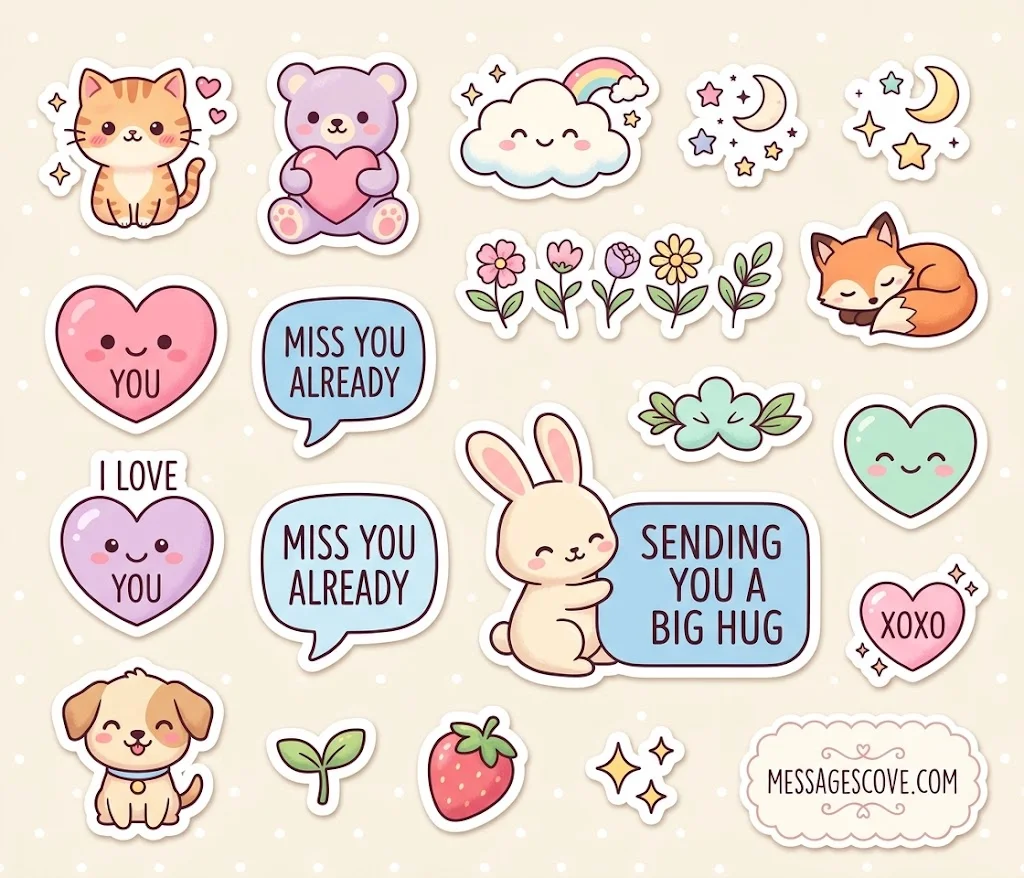
Cute stickers for texting bring warmth to a chat. They suit partners, close friends, and family.
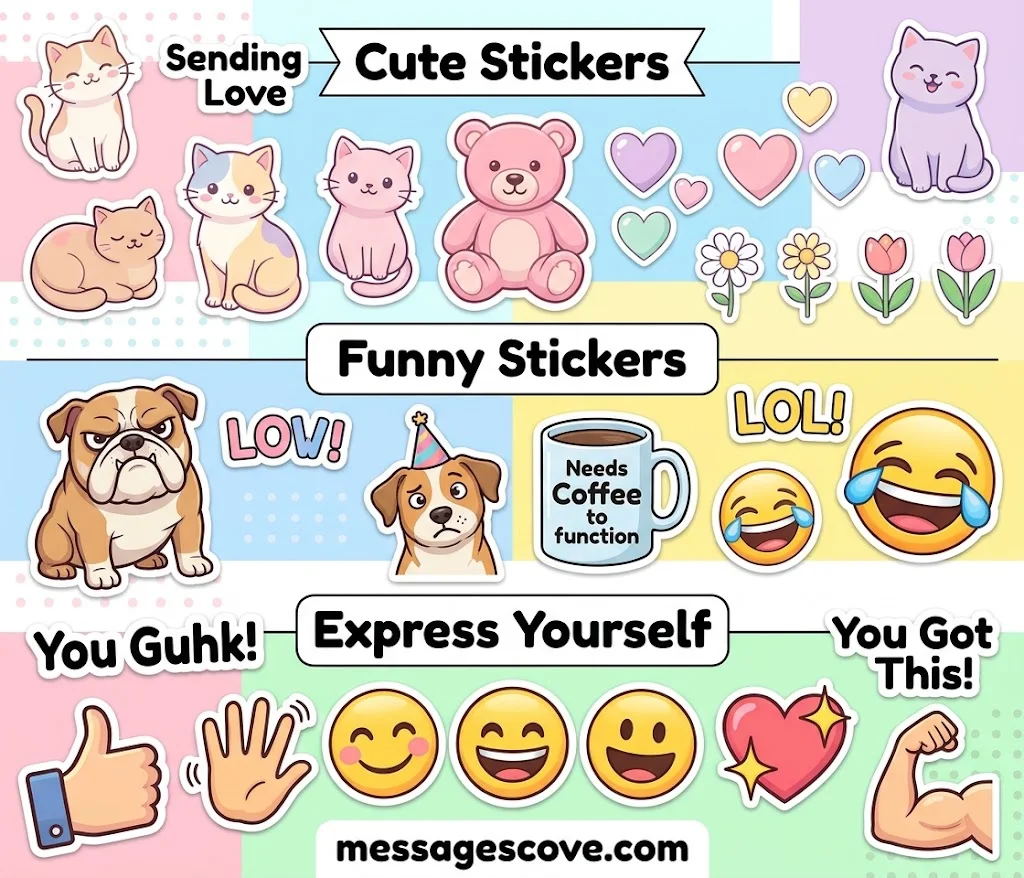
Popular styles include kawaii cats, pastel animals, hearts, and cottagecore flowers. A thick white outline gives a sticker a clean die-cut look on any chat background.
I love you
Miss you already
So cute, I can’t handle it
Sending you a big hug
XOXO
Best Funny Stickers for Text Messages
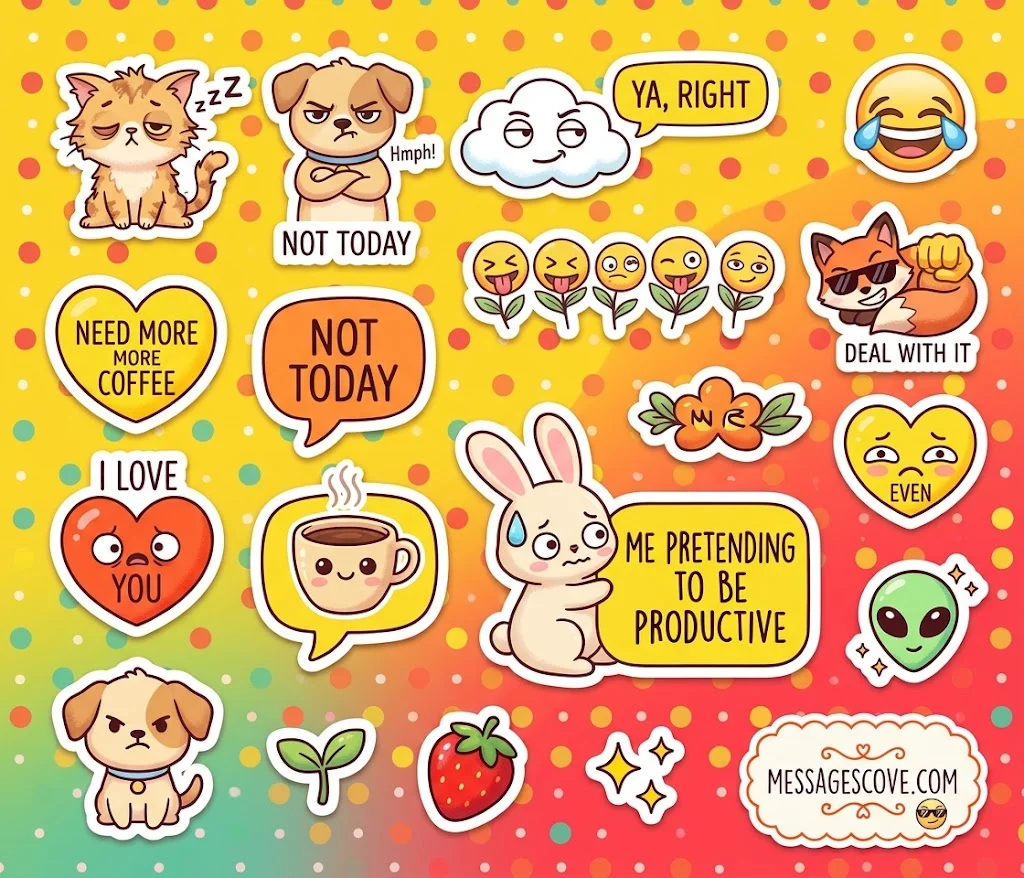
Funny text stickers land a joke without extra typing. The best ones are relatable and quick to read.
Look for meme stickers, emoji-style stickers, and sarcastic reaction stickers. Sleepy cats and grumpy dogs are big favorites.
While cute and funny stickers make everyday conversations more expressive, sharing messages about road safety is another meaningful way to communicate care and concern. Whether you’re reminding someone to stay alert or wishing a loved one a safe journey, these driving safety messages and catchy slogans offer thoughtful words that encourage responsible driving.
Need more coffee
Me pretending to be productive
Not today
Deal with it
Me every time I think about my life
Expressive Reaction Stickers for Everyday Chats
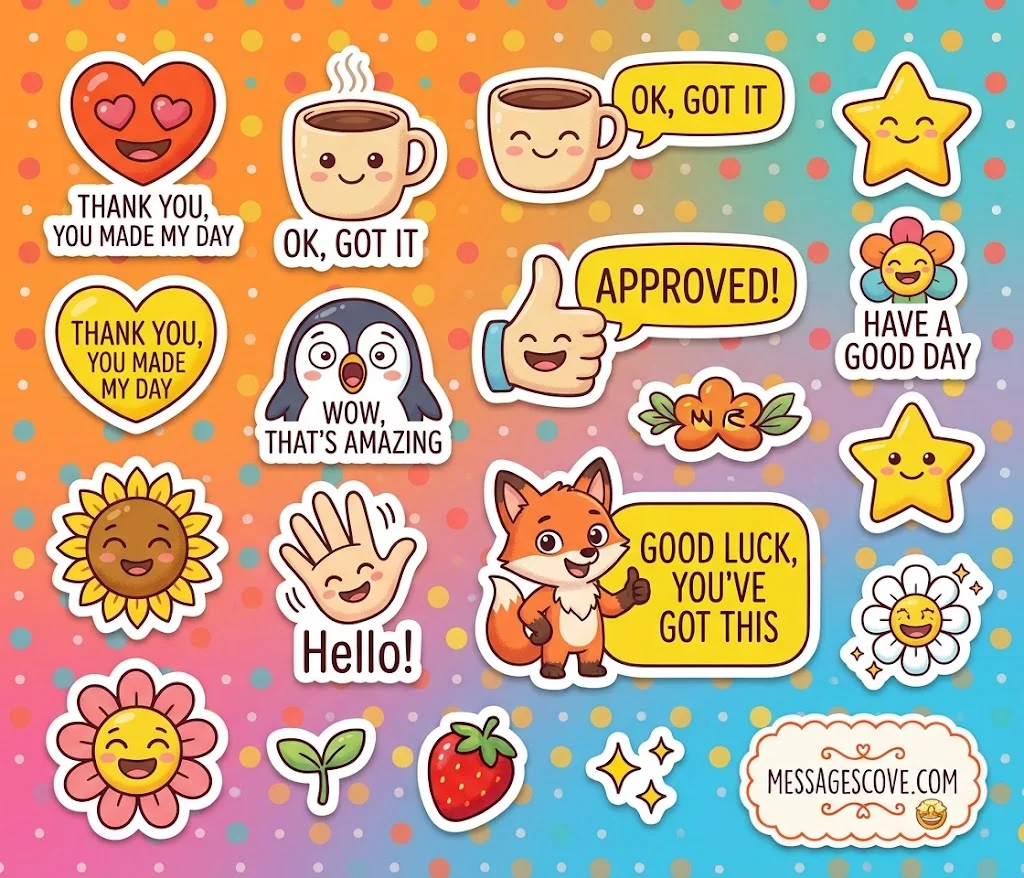
Expressive stickers work like a face or a tone of voice. They help a short reply feel clear and kind.
Pick simple phrase stickers for daily use. Words like “OK,” “Thank you,” and “Wow” are easy to read in a group chat. Use bold, clear text so it stays easy to see on a small screen.
Stickers can make everyday conversations more fun and expressive, but when you want to share something truly meaningful, heartfelt words make all the difference. Whether you’re celebrating your bond or reminding your partner how much she means to you, these deeply romantic love messages for your wife will help you express your affection and make her heart melt.
Thank you, you made my day
OK, got it
Wow, that’s amazing
Good luck, you’ve got this
Have a good day
How to Send Stickers on iPhone and iMessage
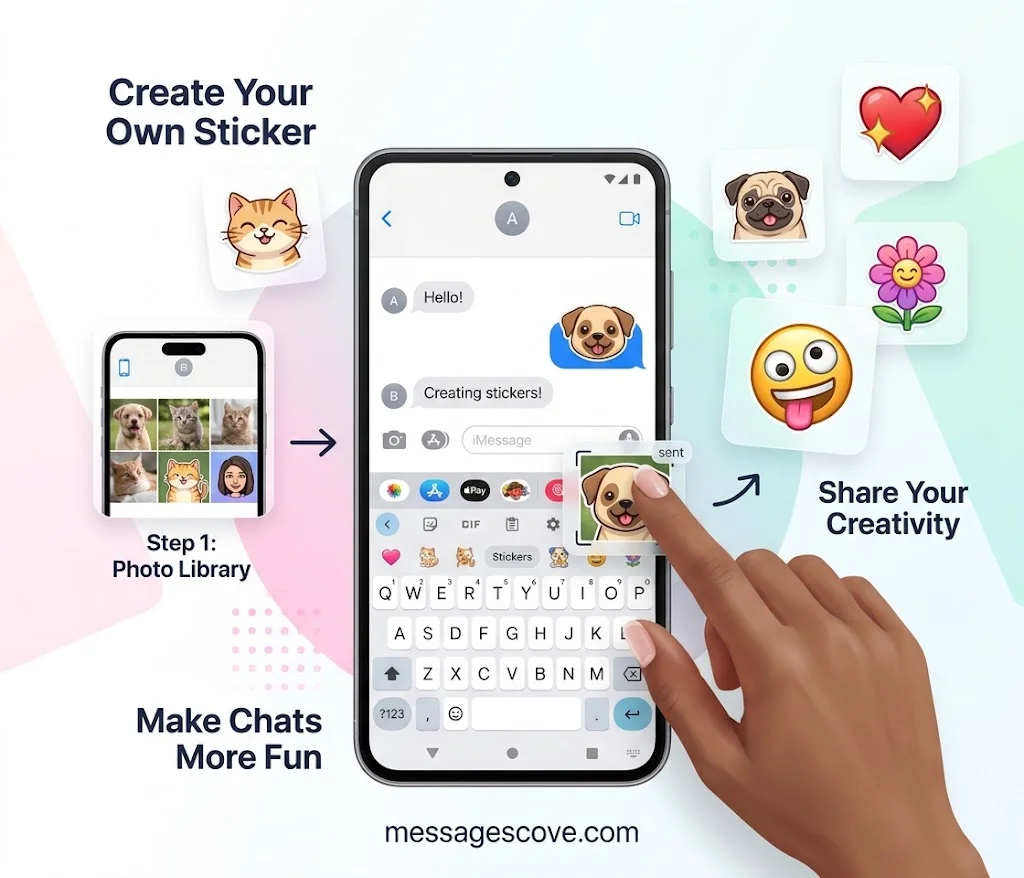
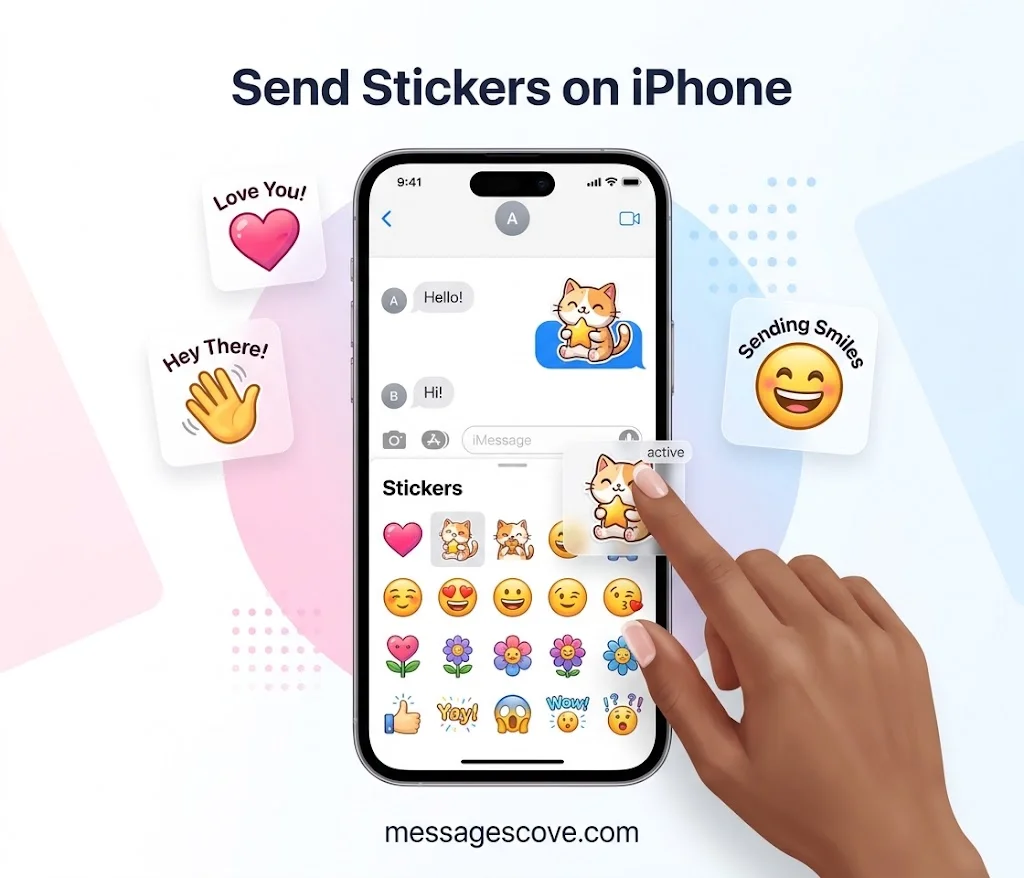
Stickers on iPhone are built into the Messages app. Setup takes less than a minute.
How do you send stickers in iMessage? Open a chat, tap the plus button, and choose Stickers. Apple’s guide says you can place stickers on message bubbles, angle them, resize them, and stack them. Stickers first launched in iOS 10, and iOS 17 lets you use them as reactions to individual messages.
How to Send Stickers on Android and Make Your Own
Android users can send stickers too. Google Messages and the Gboard keyboard both have a sticker tab. Tap the emoji icon, then choose Stickers.
You can also make custom stickers. On iPhone, lift a subject from a photo and save it as a sticker. Custom stickers sync over iCloud, so one made on an iPhone appears on an iPad and in Messages on a Mac. Check the license before you use any sticker for a business.
FAQs
What are the best stickers for text messages?
The best ones match your mood and your reader. Cute stickers suit loved ones. Funny meme stickers suit friends. Plain phrase stickers like “Thank you” or “OK” work for almost anyone.
How do I add stickers to iMessage?
Open Messages and tap the plus button next to the text box. Choose Stickers, then pick a pack. You can also download more sticker packs from the App Store.
Are there free stickers for iMessage and iPhone?
Yes. Many sticker packs are free in the App Store. iPhone also has built-in emoji and Memoji stickers, and you can make Live Stickers from your own photos.
Can Android users send text message stickers?
Yes. Google Messages and Gboard include stickers. Tap the emoji icon on the keyboard, then open the sticker tab.
Can I make my own stickers for texting?
Yes. On iPhone, lift a subject from a photo and add it as a sticker. Design apps can also make sticker packs with your name or text.
Conclusion
The best stickers for text messages are simple. Use cute ones for love, funny ones for laughs, and clear ones for everyday replies.
Try one new sticker in your next chat. A small image can say more than a full sentence.

Kashif Abroy is the founder and content creator behind MessagesCove, a website dedicated to helping people find thoughtful words for everyday conversations, special occasions, celebrations, and meaningful moments.