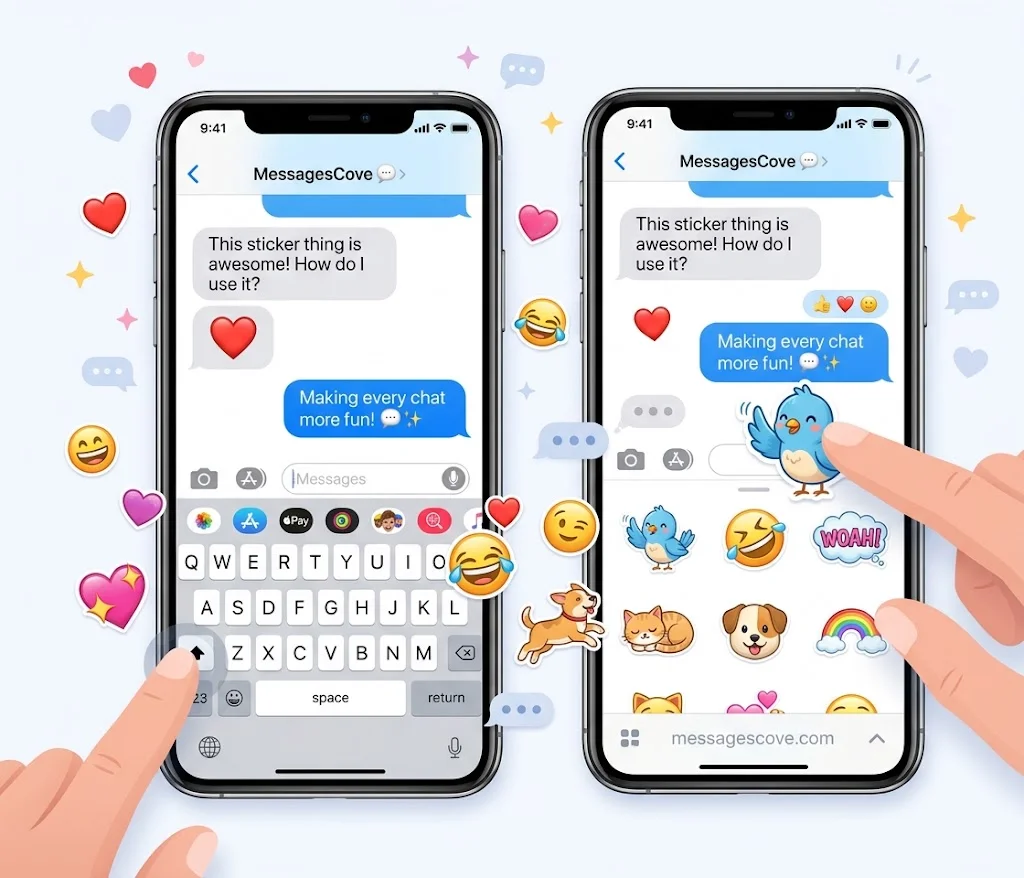
Plain text can feel flat. Stickers for iPhone Messages add a face, a mood, and a joke in one tap. Apple added iMessage stickers with iOS 10 in 2016, and they have grown a lot since.
Here you get 105 sticker ideas for funny, cute, and loving chats. You also get simple steps to add, resize, and send iPhone stickers in the Messages app.
Table of Contents
How to Add Stickers to iPhone Messages
Stickers for iMessage take less than a minute to set up. Here is the quick path.
How do I add stickers to iPhone Messages? Open a chat in Messages and tap the plus icon next to the text box. Choose Stickers, pick one, and tap it to send. Menu names shift a little between iOS versions, so check Apple’s guide to sending stickers if your screen looks different.
Can I stick a sticker on a message bubble? Yes. Touch and hold a sticker, then drag it onto a message bubble or a photo. You can send it alone or stick it on top of a message as a quick reaction.
Can I resize or layer stickers? Yes. Pinch to resize and twist to rotate. You can also stack stickers for a sticker-bomb effect in a group chat.
Where do I find more sticker packs? Open the App Store from the sticker drawer to browse iMessage sticker packs. Many are free, and some cost a small fee.
You can also make your own. Touch and hold the subject of a photo to lift it, then choose Add Sticker. Apple explains this in its guide to making stickers from your photos. You can also build custom emoji with Genmoji on supported devices.
Too much clutter in the app drawer? You can reorder or hide apps you never use, so the sticker row stays clean. Stickers also work in Messages on iPad and Mac.
Funny Stickers for iMessage (35 Stickers)
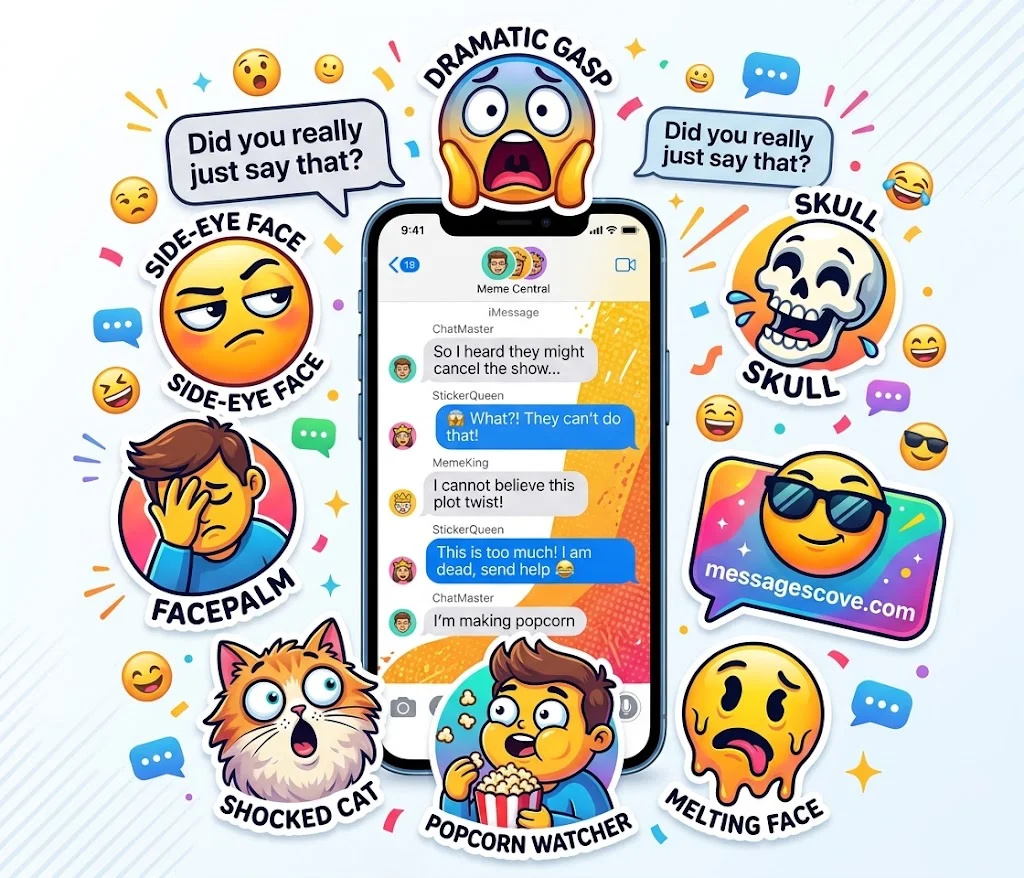
Funny stickers for iMessage work best when the timing is right. Drop one into a group chat, a roast, or a late reply.
Must visit: Heartiest Thank You Messages for Friends: 50 Heartfelt, Funny & Meaningful Messages
Meme-style reaction stickers come first.
Side-eye stare: Did you really just say that?
Dramatic gasp: I cannot believe this plot twist.
Mic drop: And that is all I have to say.
Facepalm: I am not mad, just disappointed.
Eye roll: Wow, big surprise.
Awkward stare: Reading that message again, slowly.
Shocked cat: You did what now?
Popcorn watcher: Waiting for the group chat drama.
Nope face: Absolutely not, my friend.
Evil grin: I have a plan, and it is chaos.
Slow clap: Bravo, truly a masterpiece.
Panic mode: Everything is fine, totally fine.
Next, funny emoji stickers that blow up a familiar face into something bolder.
Giant crying laugh: I cannot breathe!
Skull: I am dead, send help.
Melting face: Me on Monday morning.
Pleading face: Pretty please with a cherry on top?
Winking face: You know what I mean.
Zany face: Zero brain cells online.
Thinking face: Hmm, let me ponder that.
Sunglasses face: Too cool for this chat.
Hand over mouth: Oops, did I say that out loud?
Upside-down face: Smiling through the chaos.
Party face: It is a good day to celebrate.
Sleepy face: Wake me up when it is Friday.
Last, sarcastic text stickers for dry replies.
Sure, buddy.
I am fine. Everything is fine.
Not my problem today.
Oh, please tell me more.
Wow, what a shock.
Tell me you are joking, then tell me again.
I will think about it. No, I will not.
Thanks for the update nobody asked for.
Cool story, keep going.
Noted and ignored.
Whatever you say, boss.
Cute iPhone Stickers for Texting (35 Stickers)
Must visit: 100+ Emotional Thank You Messages for Birthday Wishes to Touch the Heart
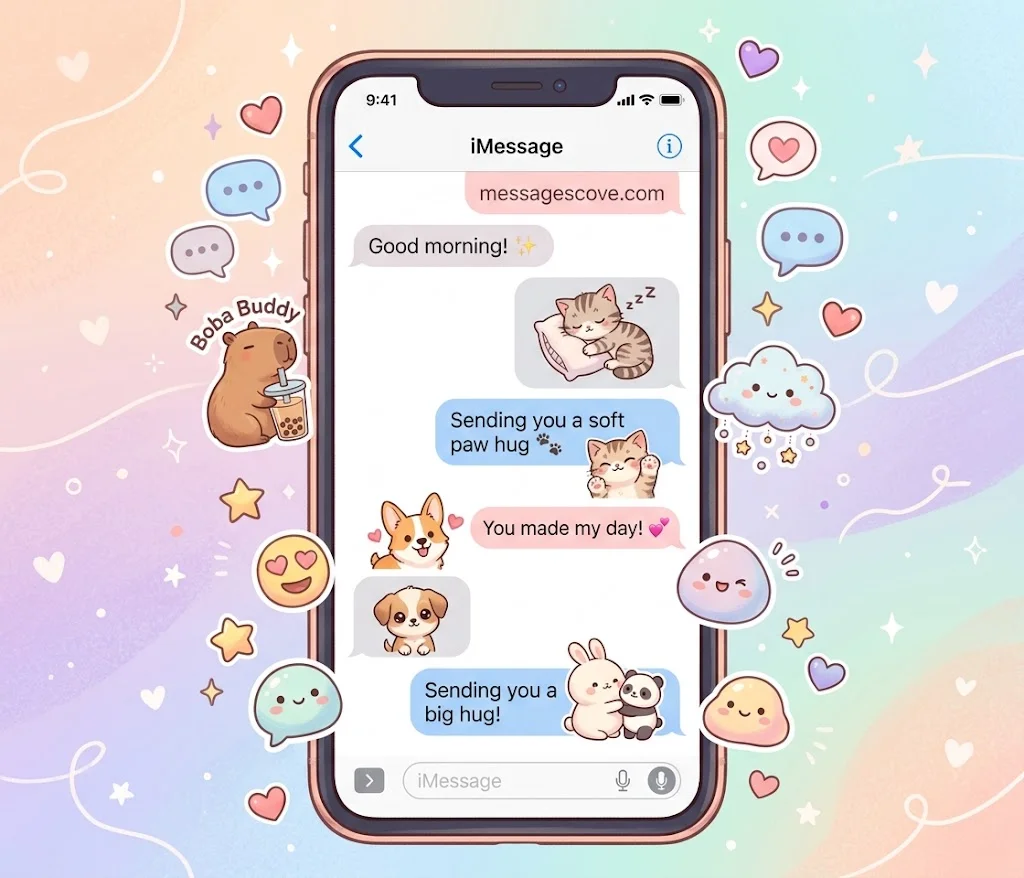
Cute iMessage stickers soften any chat. They suit a friend, a family member, or a partner who needs a smile.
Animal stickers lead the way, from cats and puppies to the beloved capybara.
Sleepy cat: Five more minutes, please.
Loving cat: You are my favorite human.
Meow: Meow means hello, now feed me.
Tiny kitten: Small but mighty and very sleepy.
Kitten hug: Sending you a soft paw hug.
Black cat: Lucky day ahead, trust me.
Blob cat: Just a loaf of love.
Happy dog: Best day ever, again!
Tail wag: Someone is excited to see you.
Dog with ball: Play with me, play with me.
Puppy eyes: Can I have a treat?
Corgi: Short legs, big heart.
Capybara chill: Just chilling, no worries.
Capybara in sunglasses: Too relaxed to care.
Capybara with hearts: Sending you calm and love.
Now blob and kawaii stickers, with soft shapes and pastel moods.
Blob smiley: Happy little blob says hi.
Blob with heart eyes: I am obsessed with this idea.
Blob with tears of joy: Laughing until I wobble.
Scared blob: Please do not scare me.
Blushing blob: You made me blush.
Sleepy blob: Time for a squishy nap.
Pastel star: You shine so bright.
Cloud buddy: Floating on good vibes.
Bunny: Hop hop, hello there.
Boba buddy: Life is better with boba.
Finally, wholesome text stickers for kind check-ins.
Thinking of you today.
So proud of you!
Sending you a big hug.
You have got this.
Thank you for being you.
I am here whenever you need me.
You made my day.
Take a deep breath, you are doing great.
Missing you lots.
Wishing you a gentle day.
Best iMessage Stickers for Love, Hype & Everyday Chats (35 Stickers)
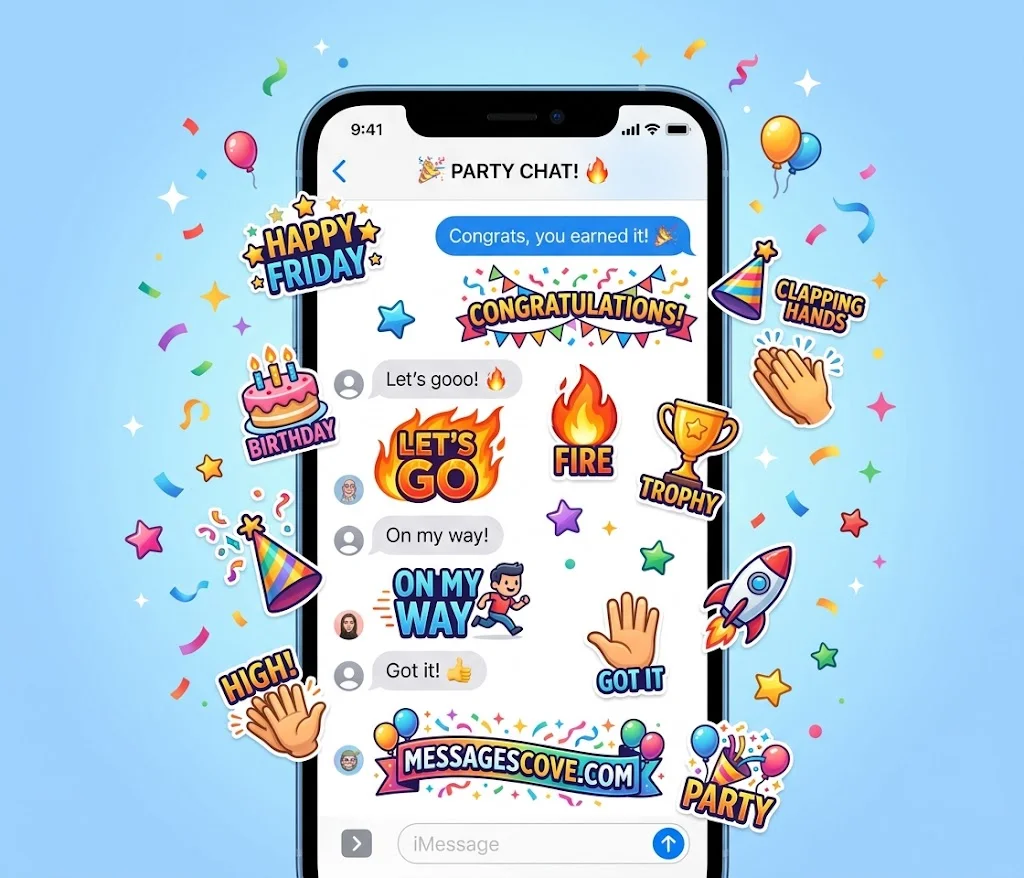
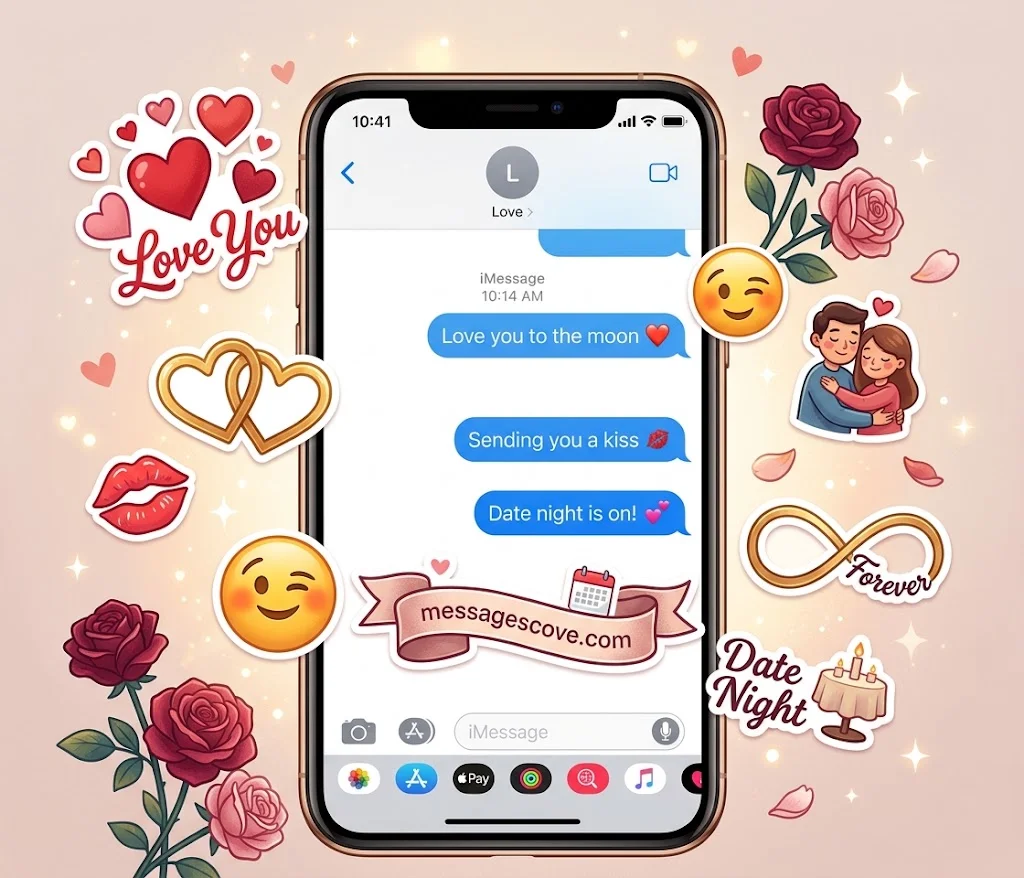
The best iMessage stickers cover more than jokes and cuteness. These handle romance, wins, and daily replies.
Love and romance stickers first.
Kiss: Sending you a kiss.
Red heart: You have my heart.
Two hearts: Two hearts, one vibe.
Wink: Hey you, looking good.
Miss you: Missing you more each hour.
Good morning love: Good morning, my love.
Good night: Sleep tight, sweet dreams.
Flirty face: Are you free tonight?
Love you: Love you to the moon.
Hug: Come here, I need a hug.
Date night: Date night is on.
Forever: You and me, always.
Next, celebration and hype stickers for big and small wins.
Fire: This is fire.
Star: You are a star.
Party: Let us party!
Trophy: Winner of the day.
Clapping hands: A round of applause for you.
Congrats: Congrats, you earned it!
Let’s go: Let’s gooo!
Birthday: Happy birthday!
Cheers: Cheers to us.
Mind blown: Mind officially blown.
Strong arm: Flexing on Monday.
Hundred points: One hundred percent yes.
Last, everyday reply stickers that save typing time.
On my way.
Thank you so much.
OK, sounds good.
Be right back.
Good night, everyone.
Running late, sorry!
Call me when you are free.
Cannot talk now.
Got it!
Happy Friday!
See you soon.
FAQs
How do I send stickers in iMessage?
Open a chat and tap the plus icon. Choose Stickers, then tap one to send it. You can also drag it onto a message bubble.
Are stickers for iPhone messages free?
Built-in stickers are free. Many free iPhone stickers and sticker packs exist in the App Store, but some packs cost money.
How do I make my own stickers on iPhone?
Open a photo in Photos and touch and hold the subject. Then tap Add Sticker. Your new sticker appears in the sticker drawer.
Why are my iMessage stickers not showing?
Update iOS first. Then restart your iPhone and make sure iMessage is on in Settings. Also check that the sticker app is installed.
Can I use iPhone stickers on WhatsApp?
Not directly. WhatsApp uses its own sticker packs, so iMessage stickers do not carry over on their own.
How do I delete stickers from Messages?
Touch and hold a sticker you made, then choose Delete. For app-based packs, remove or hide the app from the drawer.
Conclusion
You now have 105 stickers for iPhone Messages, from funny and cute to loving and handy. Add a few packs, try the drag-and-drop trick, and make your next chat more fun.

Kashif Abroy is the founder and content creator behind MessagesCove, a website dedicated to helping people find thoughtful words for everyday conversations, special occasions, celebrations, and meaningful moments.