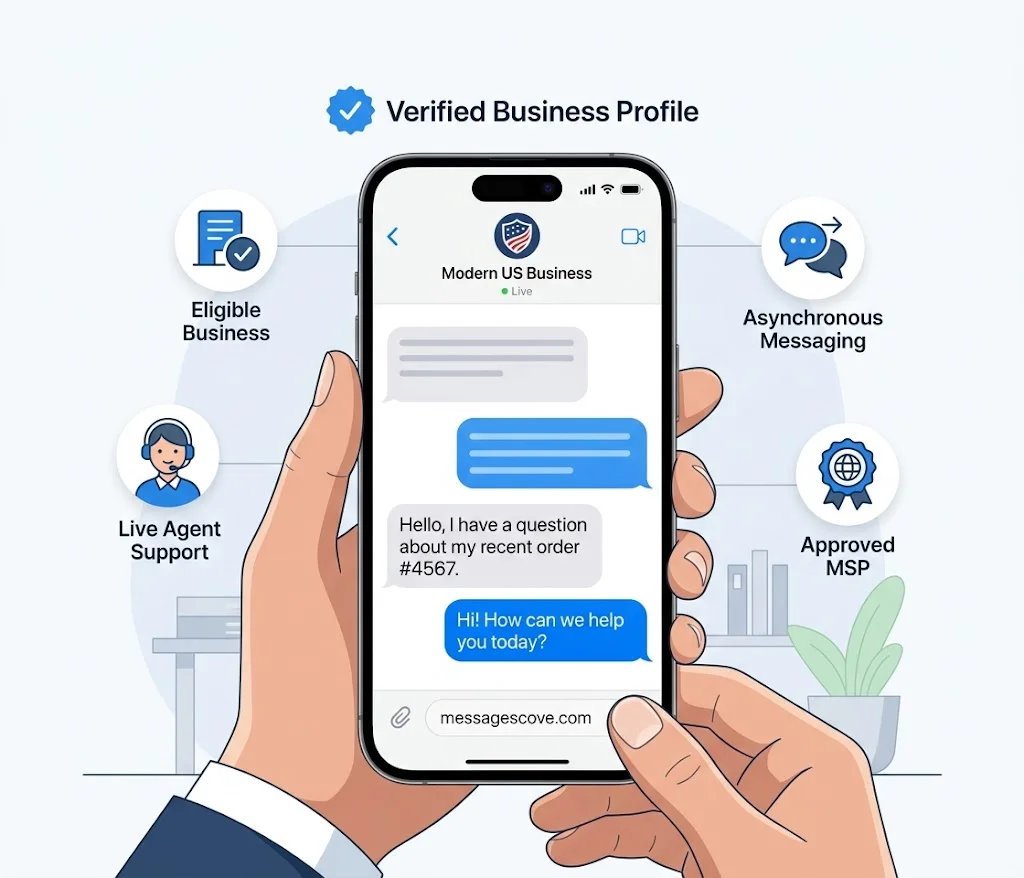
Most US shoppers already live in the Messages app. Apple Messages for Business puts your brand in that same app, one tap from Maps, Safari, or Siri.
This guide covers what it is, who can use it, how to register, what it costs, and how to use Apple business messaging well.Sweet Apple Messages for Business.
Table of Contents
How to Register for Apple Messages for Business
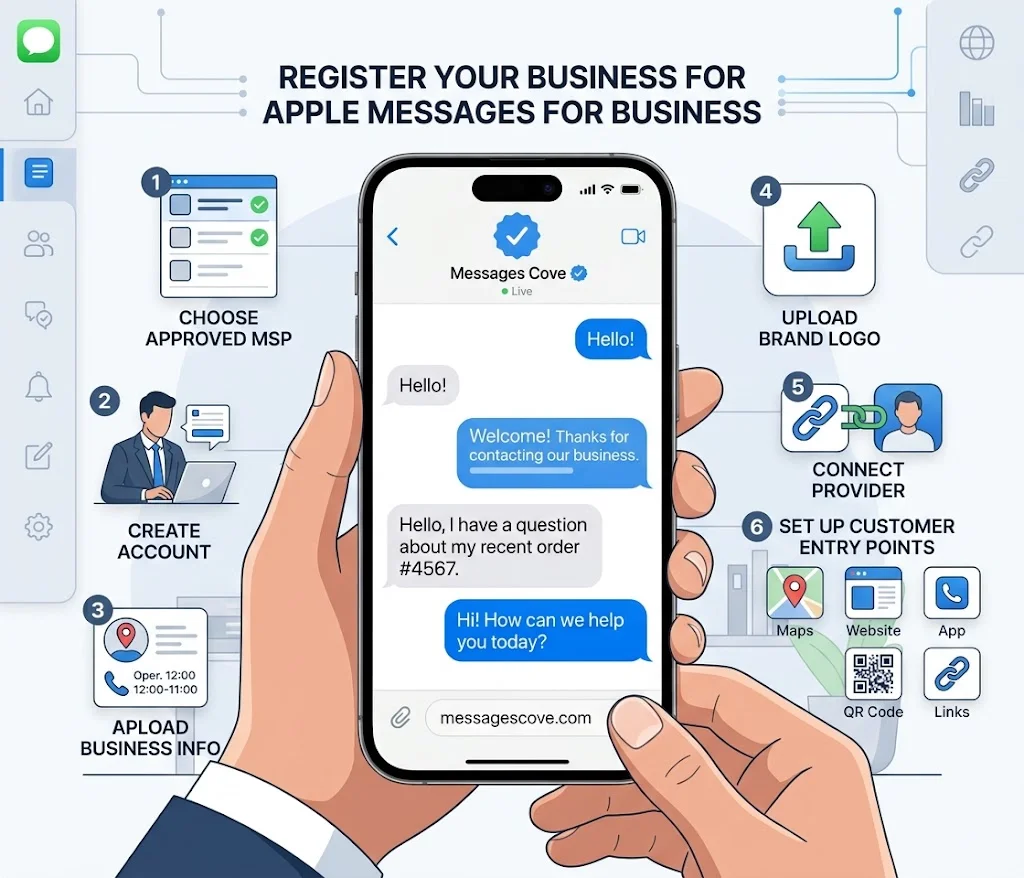
You register through Apple Business Register. The steps are short once you have a provider.
First, choose an approved MSP from the list on Apple Business Register. Next, create your account. Apple says account creation is free. Then add your brand name, logo, and business details, and connect your provider.
Last, set up your entry points. These include Maps, your website, your app, QR codes, and email or SMS links.
Gather these items first: legal business name, website, business email, phone number, and brand images. Plan your opt-in and opt-out rules too. Apple updates its rules now and then, so check Apple Business Register for the current version.Sweet Apple Messages for Business.
Apple Messages for Business vs SMS
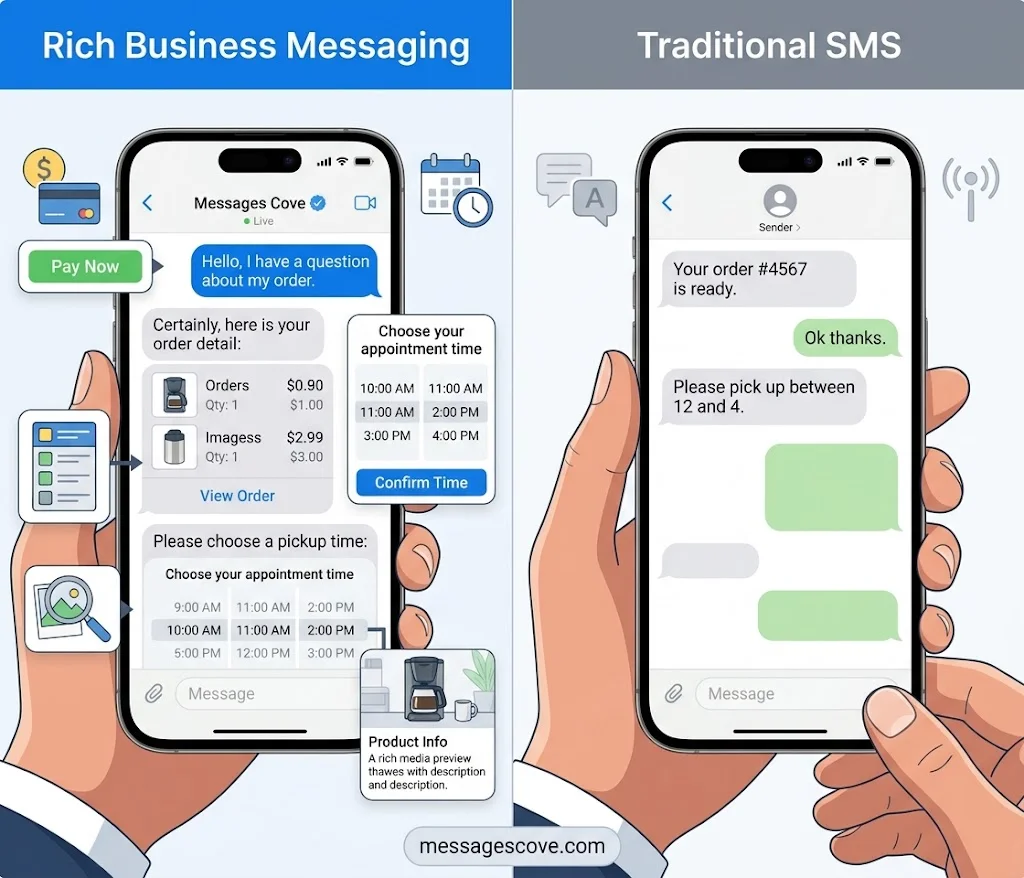
What is the difference between Apple Messages for Business and SMS? SMS sends plain text. Apple Messages for Business adds rich tools inside the chat.
Customers can pay with Apple Pay. They can pick a time slot with the time picker and choose from a list picker. They can also preview images and video through rich links. Customers start the chat themselves, which helps cut unwanted texts.
SMS still has a place. It reaches phones that are not Apple devices. Many brands use both.
While business messaging is designed to build stronger customer relationships, thoughtful words matter in every kind of conversation. For inspiration on expressing warmth and affection through meaningful words, explore these romantic messages and love quotes for him.
Is Apple Business Messaging Secure?
Security is built into the channel. Customers control the thread, and businesses can add a sign-in step.
Customers can delete a conversation, report spam, or tap Leave Conversation to stop alerts. Deleted threads stay in Recently Deleted for 30 days.
Businesses can add OAuth2 authentication through their provider. A customer signs in during the chat, then checks a balance or finishes an order. This keeps sensitive details out of the open thread. Apple also notes that Messages for Business sends from the phone number or email linked to the customer’s Apple Account.
Best Ways to Use Business Messaging With Customers
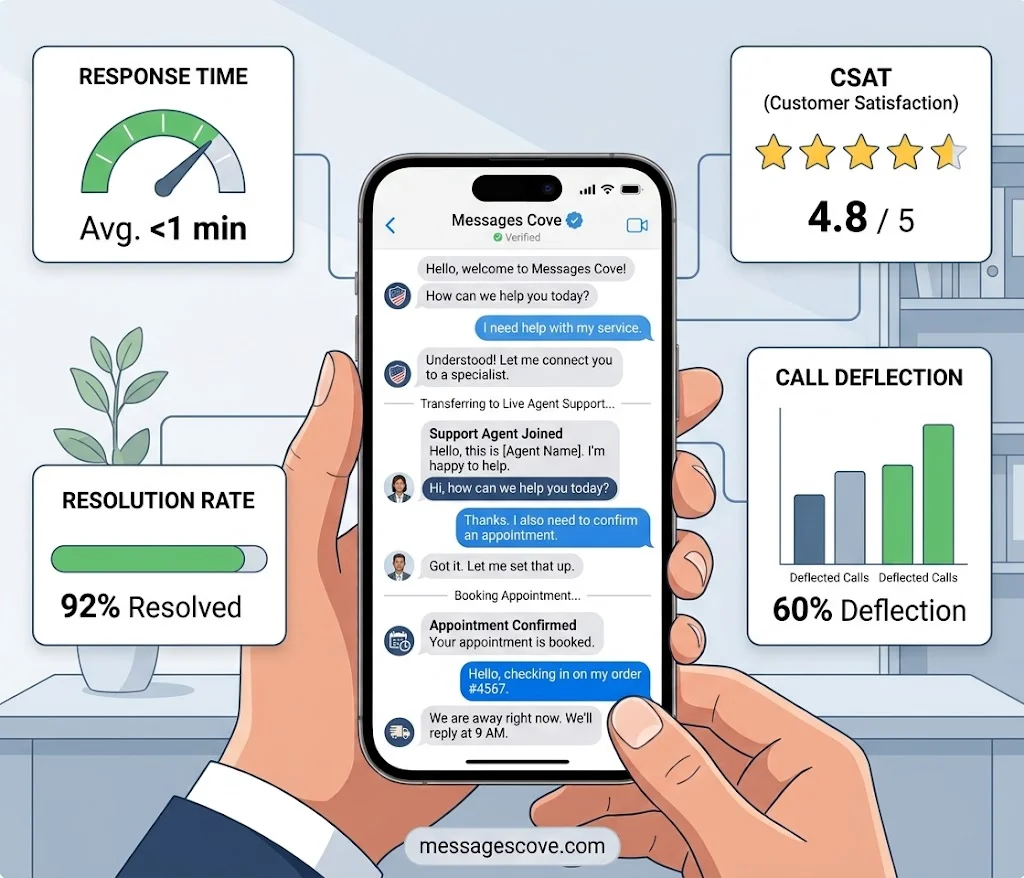
Good business messaging is fast, clear, and human. Start with one goal, like support or booking, then grow.
Use Message Suggest to move phone calls into chat. Pair chatbots with live agents so no one gets stuck. Keep each message short and ask one question at a time. Track response time, CSAT, resolution rate, and call deflection.
Here are sample messages you can adapt:
Hi, thanks for messaging us. How can we help you today?
We are away right now. We will reply when we open at 9 a.m. Eastern.
Your appointment is booked. Reply here if you need to change the time.
Common Apple Messages for Business Mistakes to Avoid
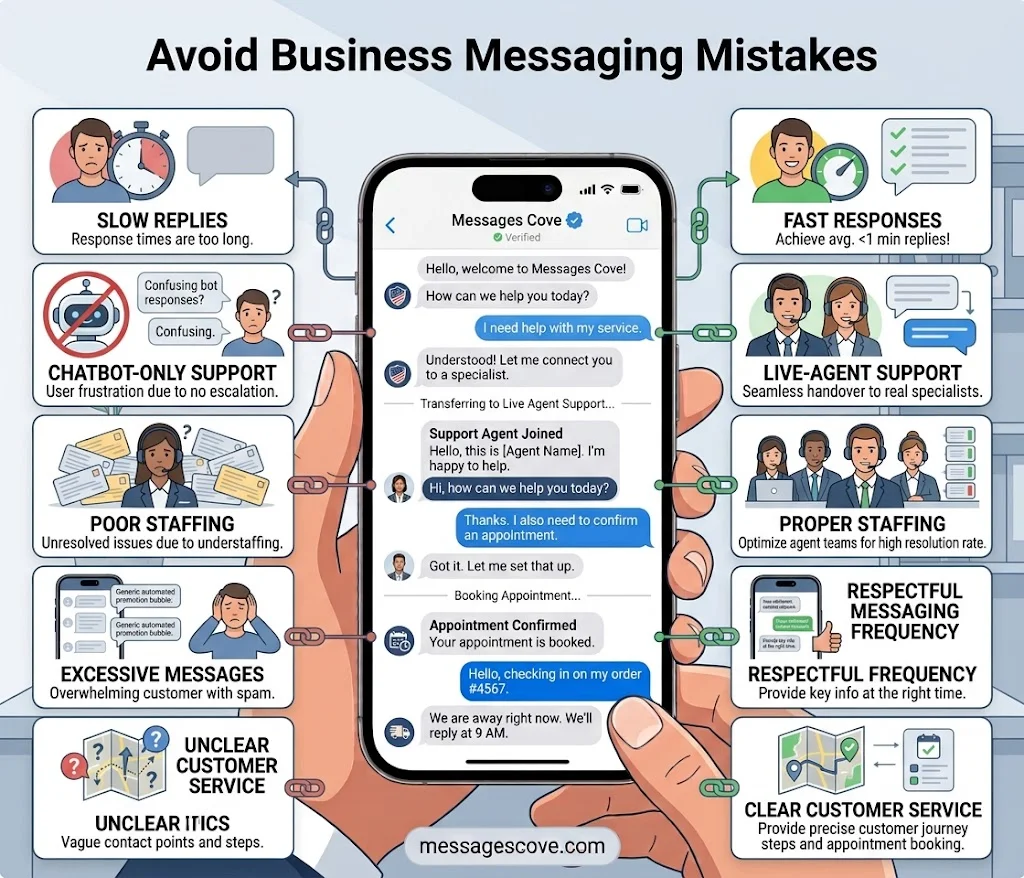
Small errors can hurt trust fast. Avoid these.
Do not rely on bots alone. Offer a clear path to a real person. Do not reply slowly, since chat feels like texting. Do not skip staffing. Apple expects live agents during business hours. Do not message too often, because customers can leave the chat at any time.
Also read your provider contract with care. Your account is tied to the provider you choose, so switching later can take work.
FAQs
What are Apple Messages for Business?
It is a chat channel in the Messages app. Customers message a brand from Maps, Safari, Siri, Search, or its site to get help, book, or pay.
How do I register for Apple Messages for Business?
Pick an approved MSP, then create a free account on Apple Business Register. Add your brand details, connect your provider, and set up entry points.
How much do Apple Messages for Business cost?
Apple charges nothing for the channel. Your MSP may charge for its platform, agents, and support.
Is Apple Business email free?
Yes, in the US. It supports up to 500 users on your own domain. You may pay for a domain or extra storage.
Can a business message a customer first?
No. The customer must start the chat.
Can Android users use Apple Messages for Business?
No. Customers need an iPhone, iPad, or iPod touch.
Conclusion
Apple Messages for Business is free from Apple, easy to find, and built for fast answers. Choose a provider, register, and launch one simple use case. Then track your results and grow from there.

Kashif Abroy is the founder and content creator behind MessagesCove, a website dedicated to helping people find thoughtful words for everyday conversations, special occasions, celebrations, and meaningful moments.